The Problem With Most POS Software in Nigeria
Most point of sale systems sold in Nigeria were designed for markets where card payments dominate, internet is reliable, and businesses can afford dedicated hardware. Nigerian small businesses operate in a different reality: cash, bank transfer, and card coexist at the same counter. Power and internet can be intermittent. And spending ₦200,000 on a POS terminal before the first sale is not an option for most SMEs.
The result is that many small businesses are either using a POS that does not match how their customers pay, or running sales manually through paper receipts and WhatsApp — with no inventory connection, no reporting, and no customer record.
What to Look For in POS Software Nigeria
All Nigerian payment methods. Cash, debit card, bank transfer, and split payments must all be supported. A customer paying half in cash and half by transfer is not an edge case in Nigeria — it is a daily occurrence. Any POS that cannot handle this creates friction at the point of sale.
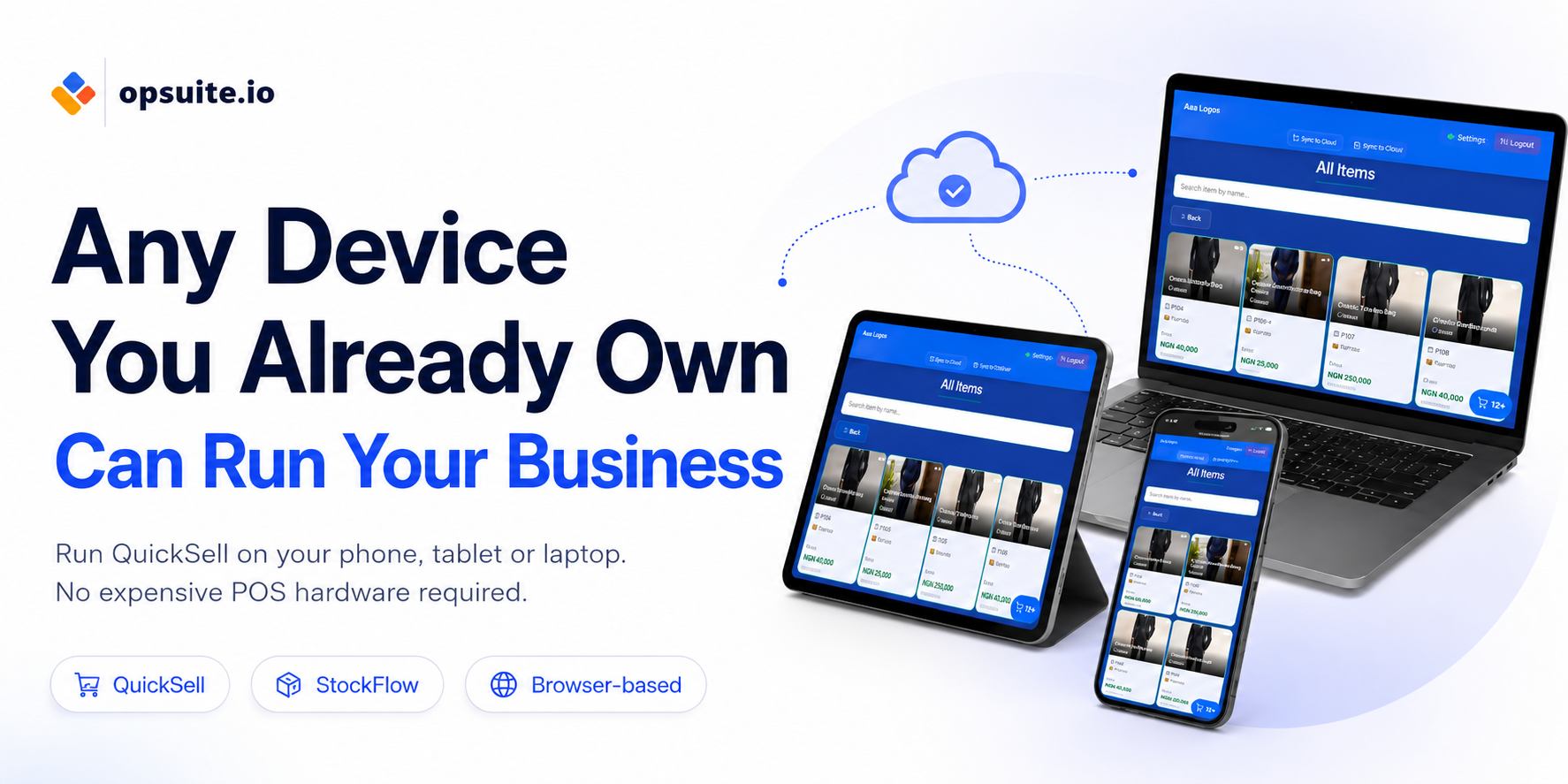
Runs on existing devices. The POS should work on the tablet, phone, or laptop you already own. No dedicated hardware purchase required. A business should be able to turn any device into a checkout point without buying new equipment.
Real-time inventory sync. Every sale should reduce stock automatically. If a product sells out and the POS does not know, you will oversell. The POS and inventory must be connected.
Staff attribution and commission tracking. In businesses where staff earn commission on sales — salons, fashion retail, electronics — the POS needs to record which staff member made each sale. Without this, commission calculations are done manually and are frequently disputed.
End-of-day reconciliation. At close of business, the system should produce a report showing total sales, payment breakdown by method, cash in drawer, and any discrepancies. This is the single most useful tool for catching cashier errors or theft.
Customer records built automatically. Every sale should optionally capture the customer's details — name, phone number, purchase history. This feeds the CRM without any manual entry.
How Opsuite QuickSell Works
Opsuite QuickSell is the POS built into the Opsuite platform. It runs on any device — phone, tablet, iPad, or laptop. No dedicated hardware. No installation engineer. Open the browser, log in, and start selling.
Payment methods supported: cash, card, bank transfer, and split payments. The cashier selects the payment method at checkout — or splits across multiple methods in a single transaction. Every payment type is recorded in the end-of-day report.
Every sale deducts from inventory automatically. Low stock alerts fire when products approach the reorder threshold. The product grid supports barcode scanning for faster checkout and more accurate item selection.
Sales are attributed to the staff member who processed them. Commission tracking is configured once per staff member and calculated automatically. No disputes, no manual calculation.
The end-of-day report shows total sales, sales by payment method, expected cash in drawer, and sales by staff member. It takes about two minutes to reconcile and close the day.
Customer records are built from every sale. Return customers are recognised. Purchase history, visit frequency, and total spend are visible in the CRM without any separate data entry.
What About an Online Store?
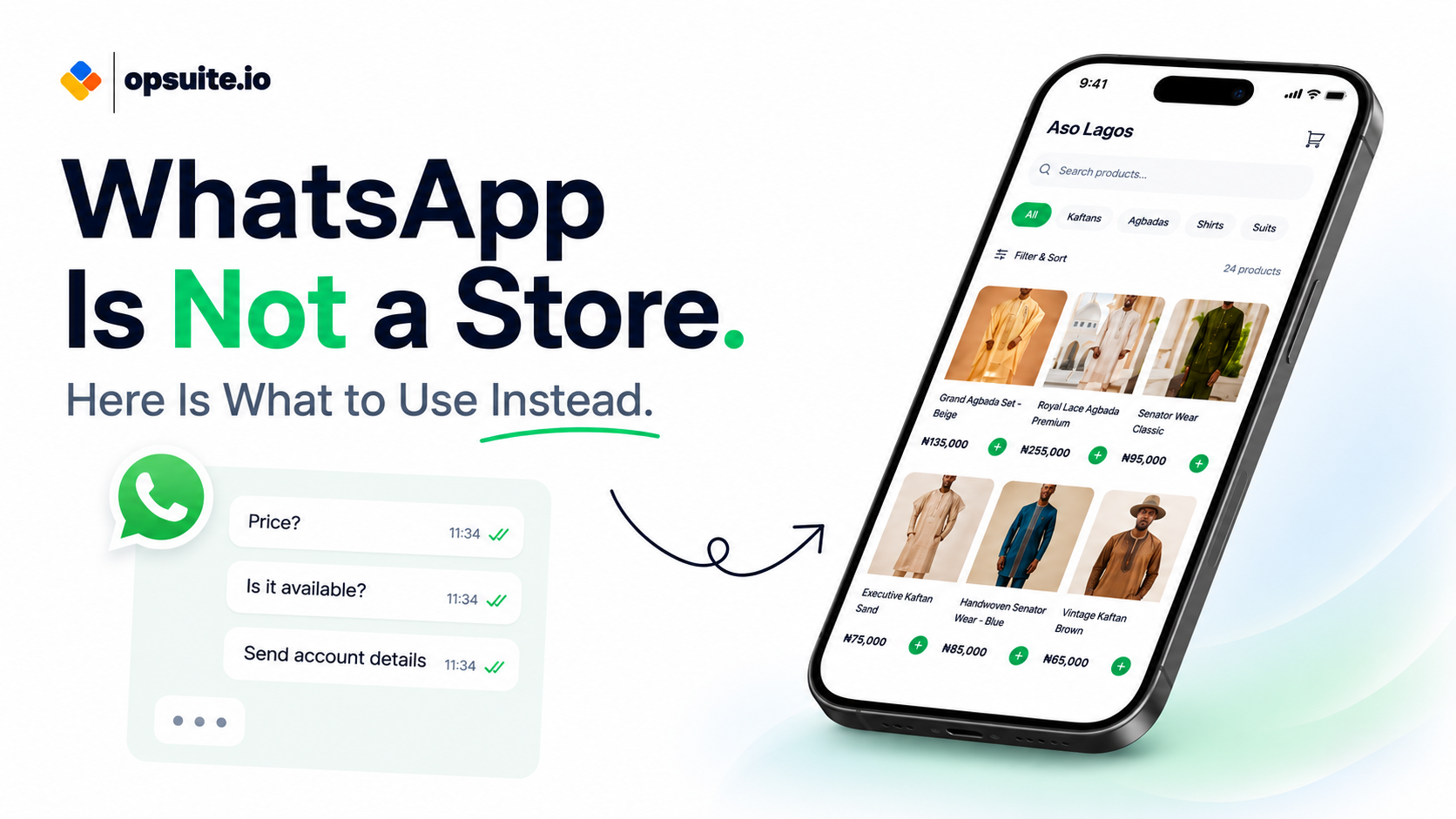
Opsuite Storefront is an add-on to QuickSell that gives the business a branded online store. The same inventory that powers the in-store POS powers the Storefront. When something sells online, in-store stock updates automatically. When something sells in-store, online availability updates. One inventory. Both channels.
Getting Started
Opsuite QuickSell is available on all plans. Start your free 7-day trial at opsuite.io/pricing or sign up at app.opsuite.io. No credit card required.